
Focus Photoeditor is a full-featured, pro-like image editor with support for all the most widely used image file types and more than a hundred RAW formats. This versatile tool can be used not only to apply a wide array of correction algorithms to your photographs, but also to unleash your creativity by drawing, painting, and composing new images thanks to its layer support.
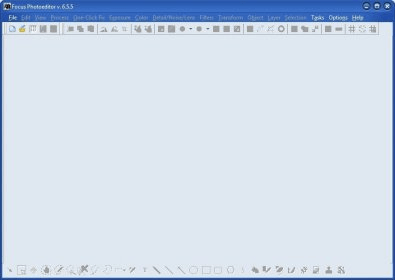
The program’s main interface will remind you of many other professional image editors, with the same plethora of tools and icons and buttons and data that usually make novice users a bit dizzy. Everything you need to start editing your photographs is here – if you can’t find the corresponding icon (hover over them to learn what they can do for you) it will probably be on one of the pull-down menus on the top side of the screen. The One-Click Fix menu is a good start. Here you are offered various presets that perform one-click corrections to the image’s contrast, lightning, saturation, exposure, etc. If you happen to be a bit more savvy and experience as far as image editing go, you can move to the “Regulations” window – here you can perform more precise adjustments to whatever blemish you want to get rid of.
Applying filters and effects is not as complicated, and it’s always fun. You are offered a wide selection of filters, masks, and effects to help you add artistic, edge, gradient, blurs, or color effects (among others), or to eliminate excessive noise. Either way, you can usually choose between applying the selected value manually or with the help of a slider. Some of the changes will require you to click on the “Apply” button in order to become visible, which is sometimes a bit annoying. Others, however, are visible in real time, offering you a very convenient preview of your work.
Focus Photoeditor is one of those tools that can be as simple or as complicated as you wish. Though it may be a bit intimidating at first for certain users, there is a solution for every problem, and an option for every kind of user. Its flexible combination of automatic and manual tools makes it an excellent alternative to more sophisticated (and expensive) image editors.






Comments (1)